
Built for real drives
DashCam Travel features
Explore how DashCam Travel records the road, manages storage and keeps useful driving context close at hand.
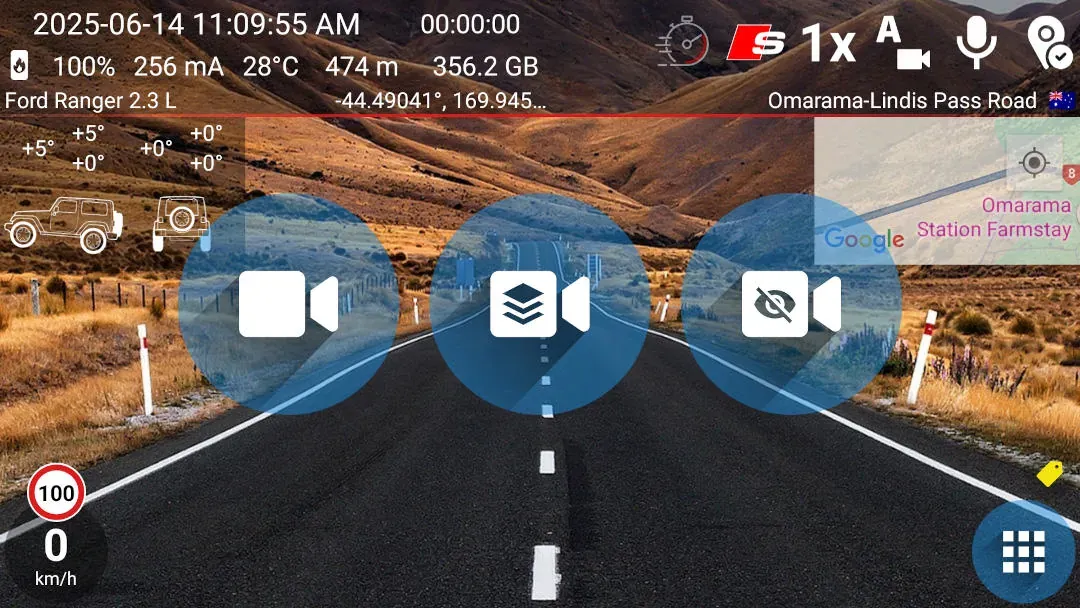 GRAPHICS OVERLAY
Driving data in the video
Record the road with speed, location, time and selected telemetry visible in every frame.
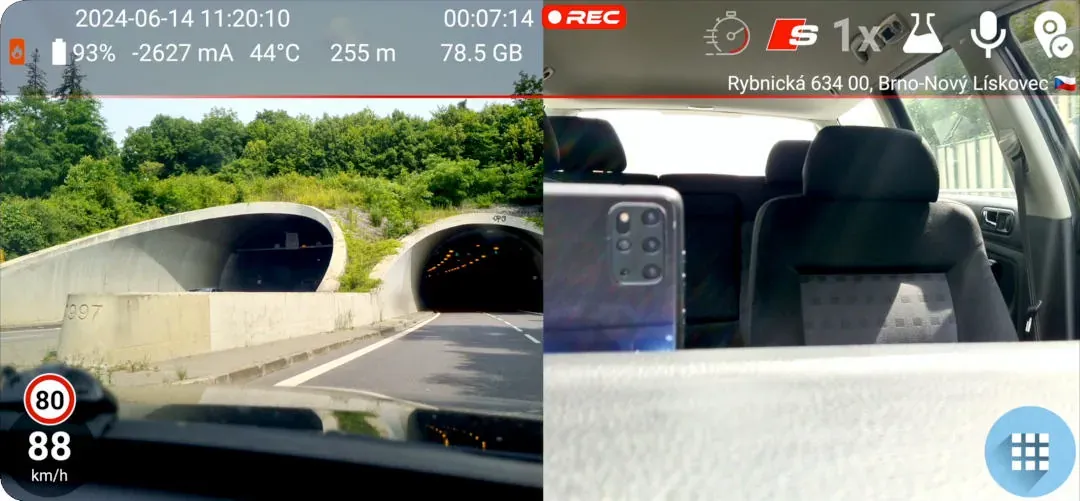 GRAPHICS OVERLAY
Dual camera recording
Capture the road ahead and the cabin simultaneously on supported devices.
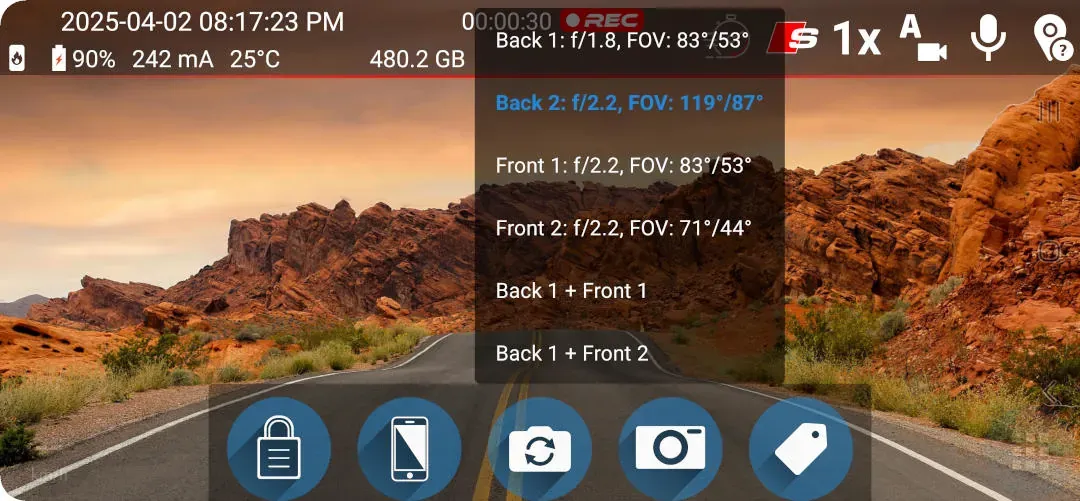 FREE
FREEUltra-wide angle
Use available phone cameras to capture more of the road ahead.
 FREE
FREEBackground recording
Keep navigation visible while DashCam Travel records behind the scenes.
 FREE
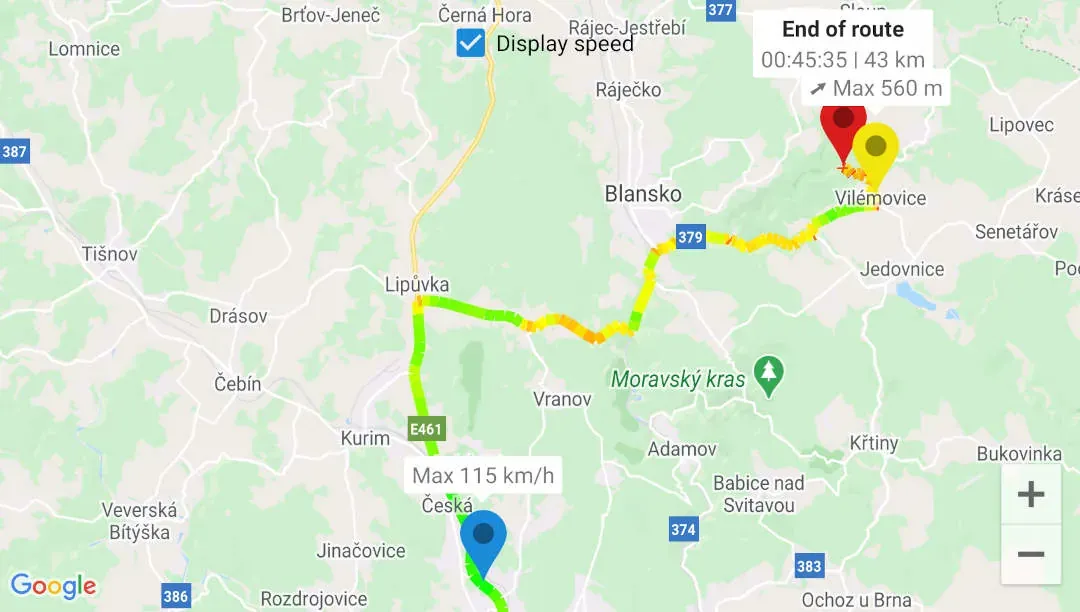
FREERecorded route in Google Maps
Review your route, speed and journey context together after every drive.
 FREE
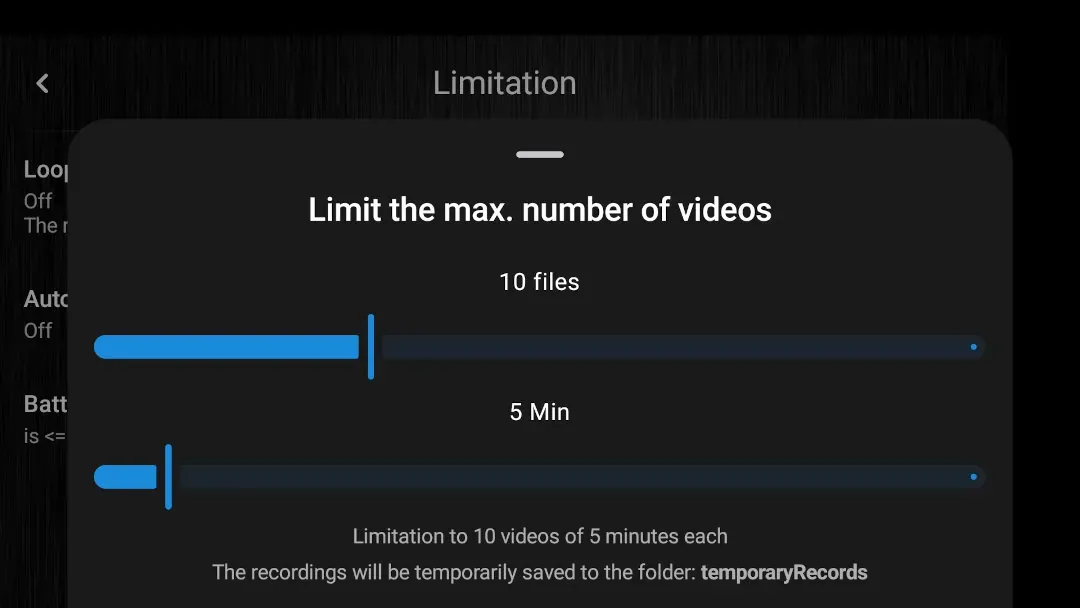
FREELoop recording
Keep recording while the oldest temporary files are automatically removed.
 PROFESSIONAL
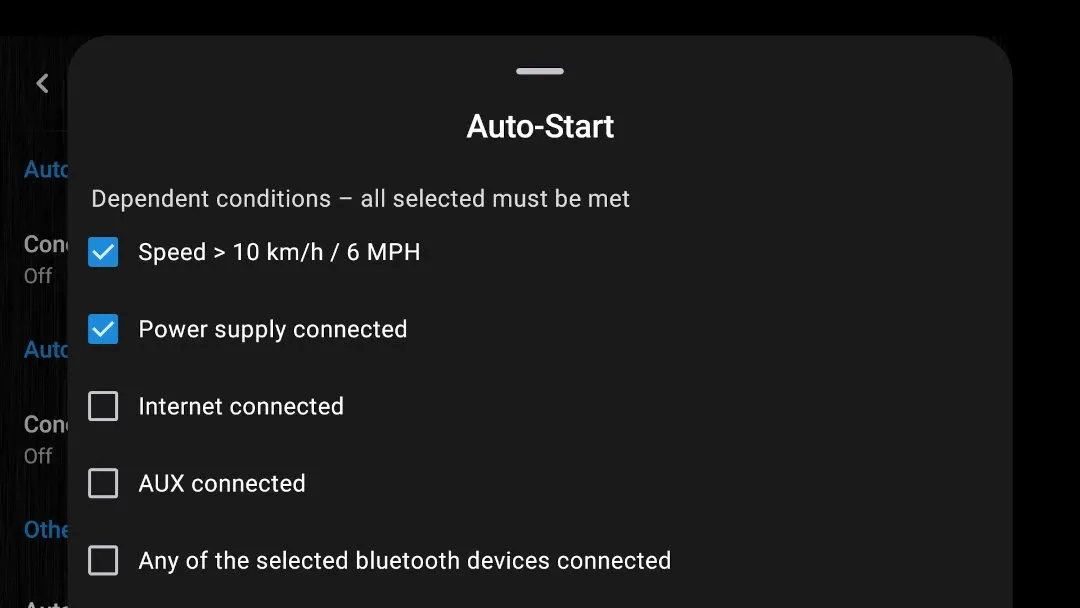
Auto-Start / Auto-Stop
Use speed, power, Bluetooth or connection state to automate recording.
 FREE
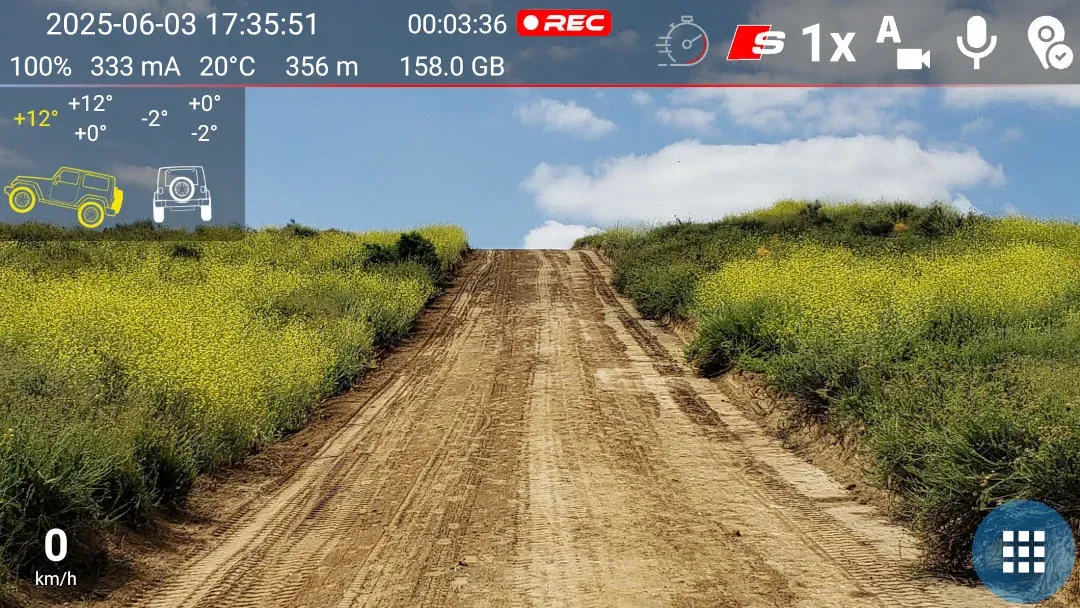
FREEInclinometer
See vehicle pitch and roll during off-road journeys.
 SPORT
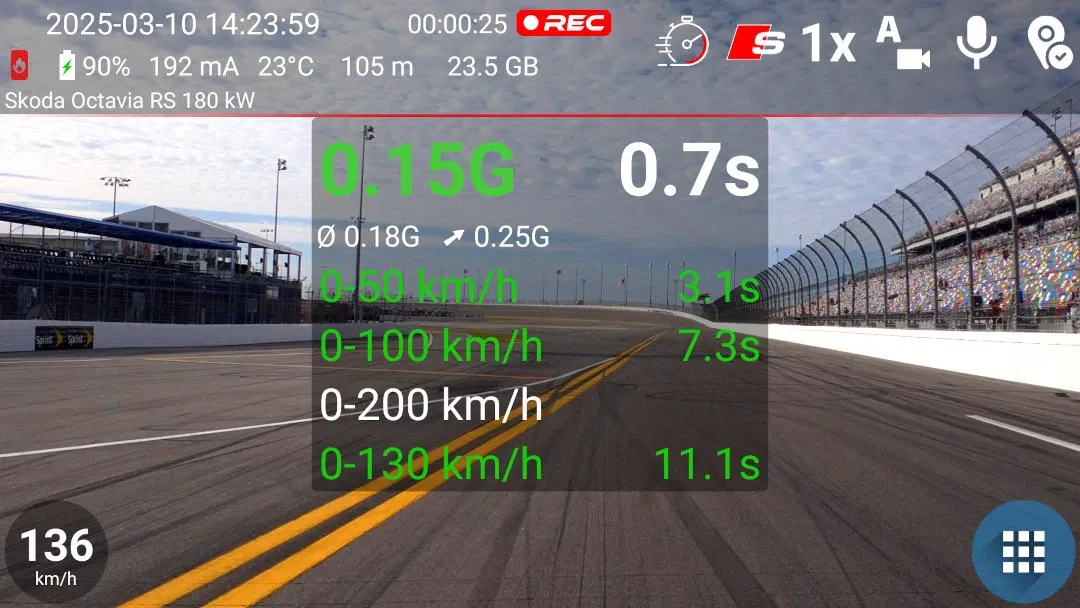
SPORTAcceleration
Measure acceleration and preserve it with the drive.
 SPORT
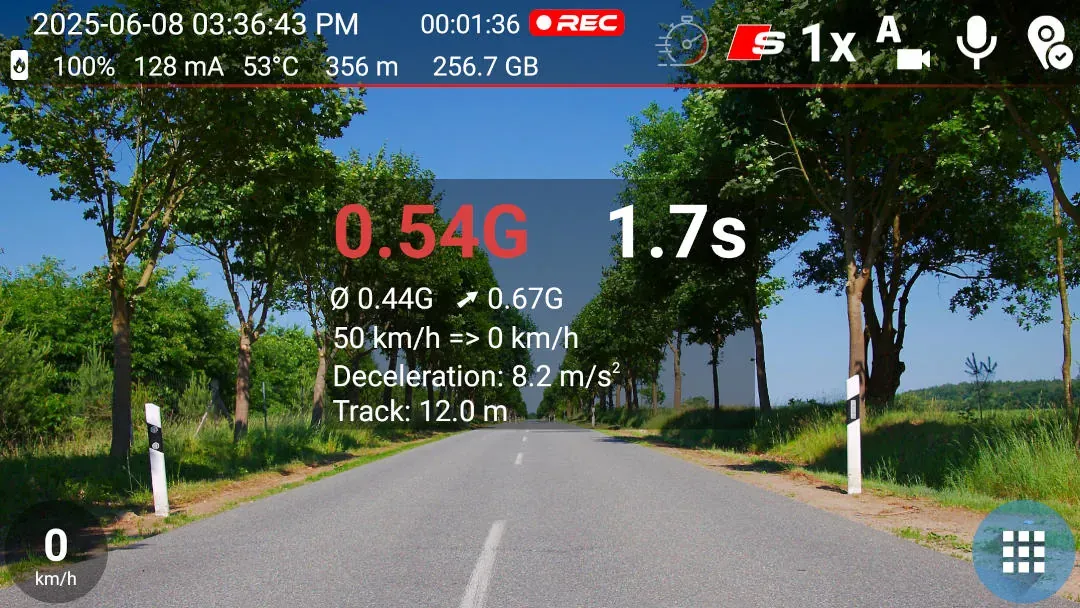
SPORTBraking
Measure braking and preserve the result with the drive.
 FREE
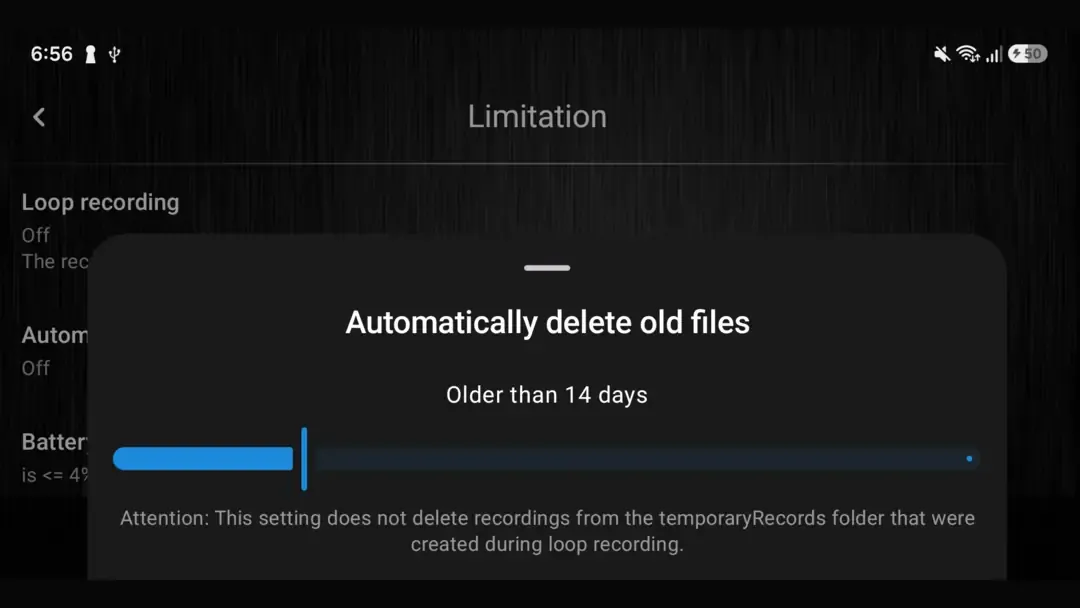
FREEAutomatic deletion
Remove older permanently saved recordings on the schedule you choose.
 FREE
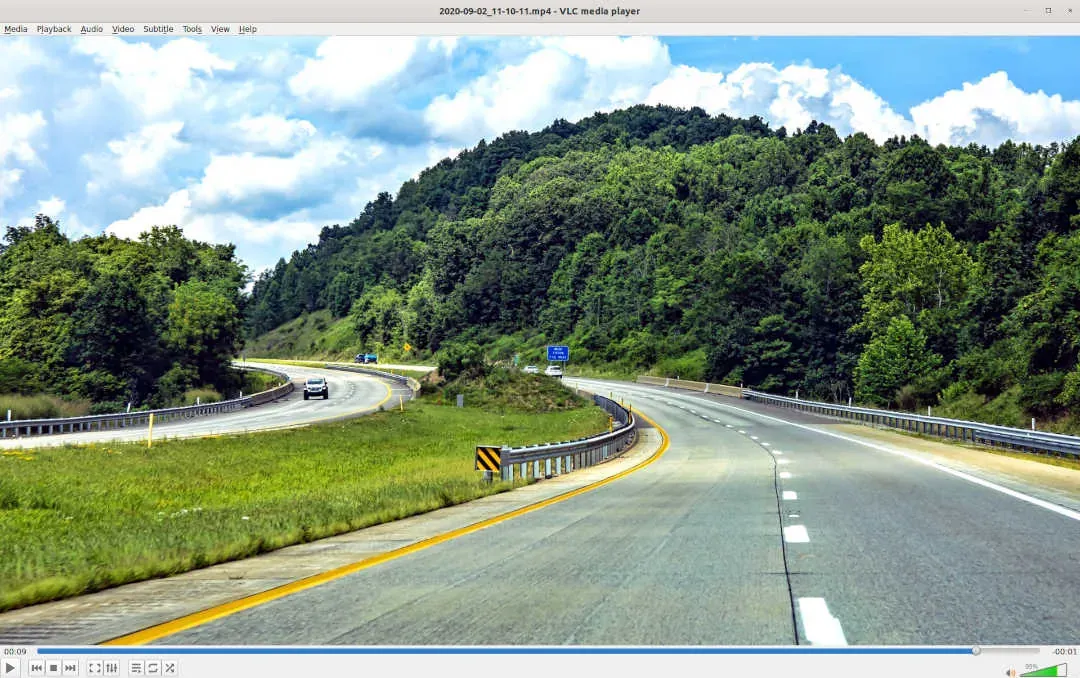
FREEClean recording
Save video without graphic overlays when you prefer.
 PROFESSIONAL
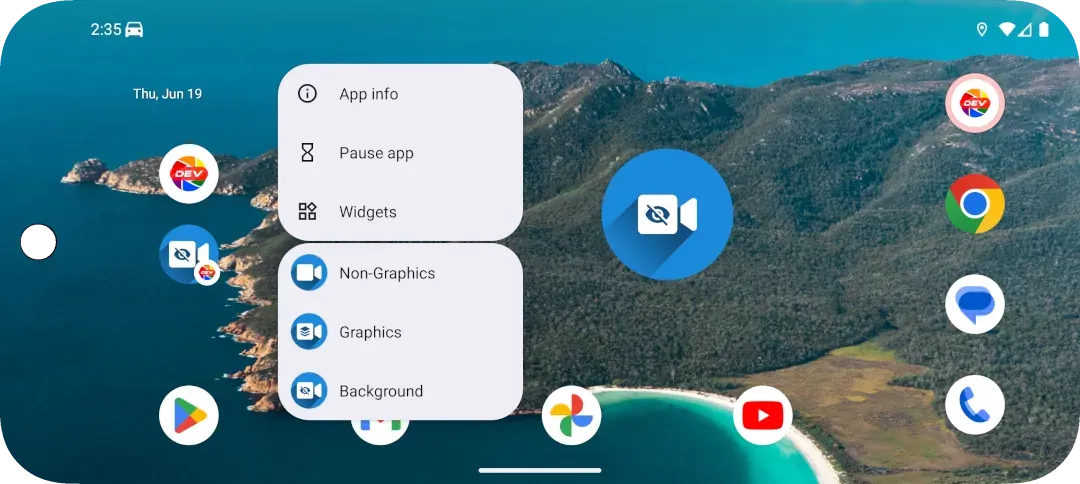
Home-screen shortcuts
Start common recording modes directly from Android.
 FREE
FREETrip library by day
Browse permanent recordings in folders organized by date.
 FREE
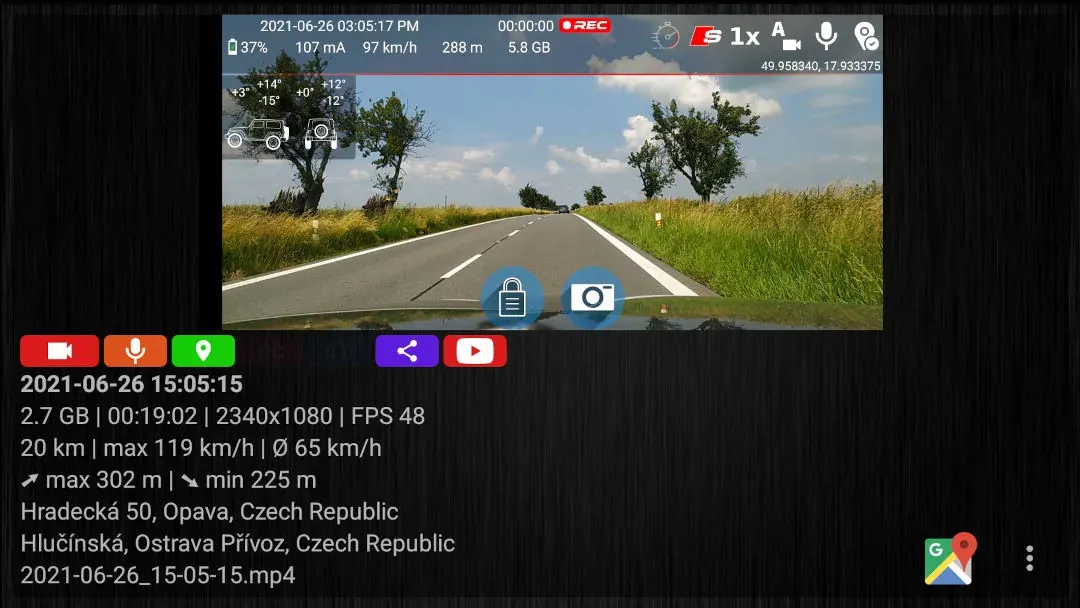
FREETrip files and statistics
Inspect files, maps and statistics for a selected trip.
 FREE
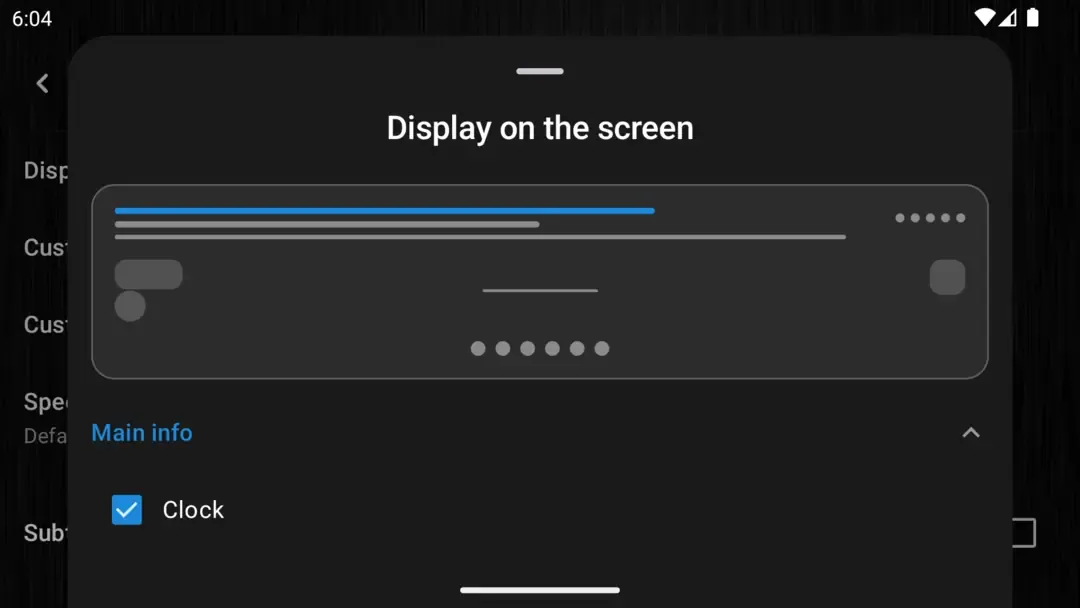
FREEFlexible graphic overlays
Choose which data and controls appear on the recording screen.
 PROFESSIONAL
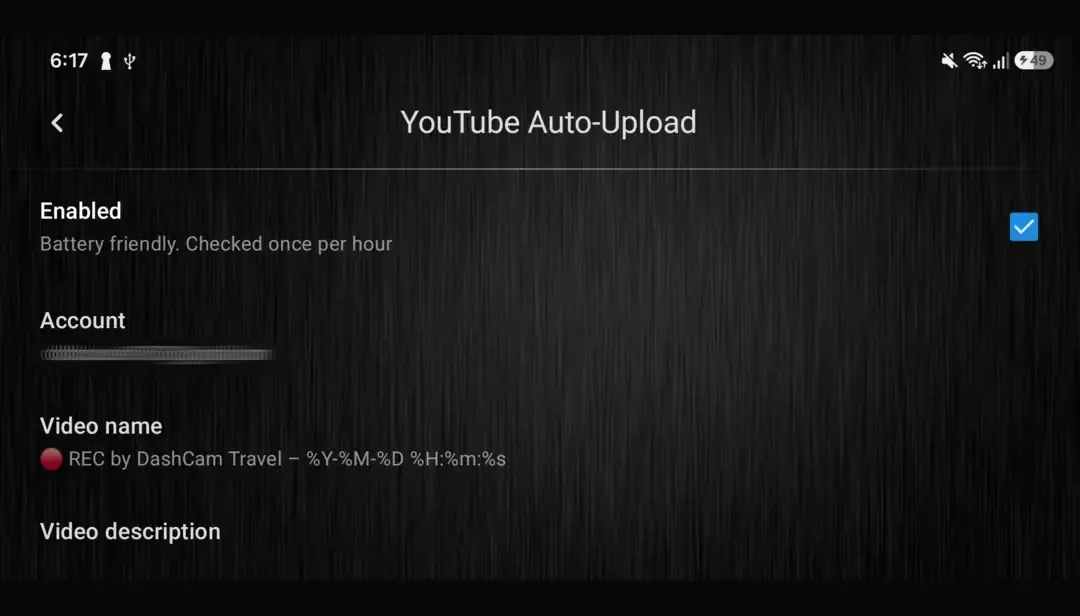
YouTube Auto-Upload
Back up finished recordings and free storage on your phone.
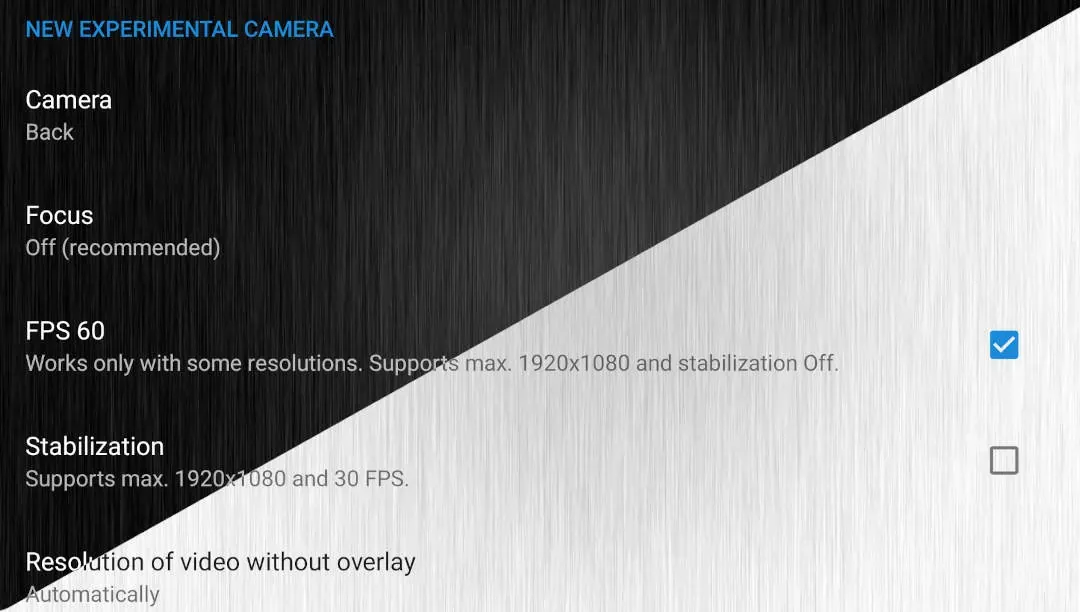 FREE
FREELight and dark modes
Match the interface to daylight or night driving.
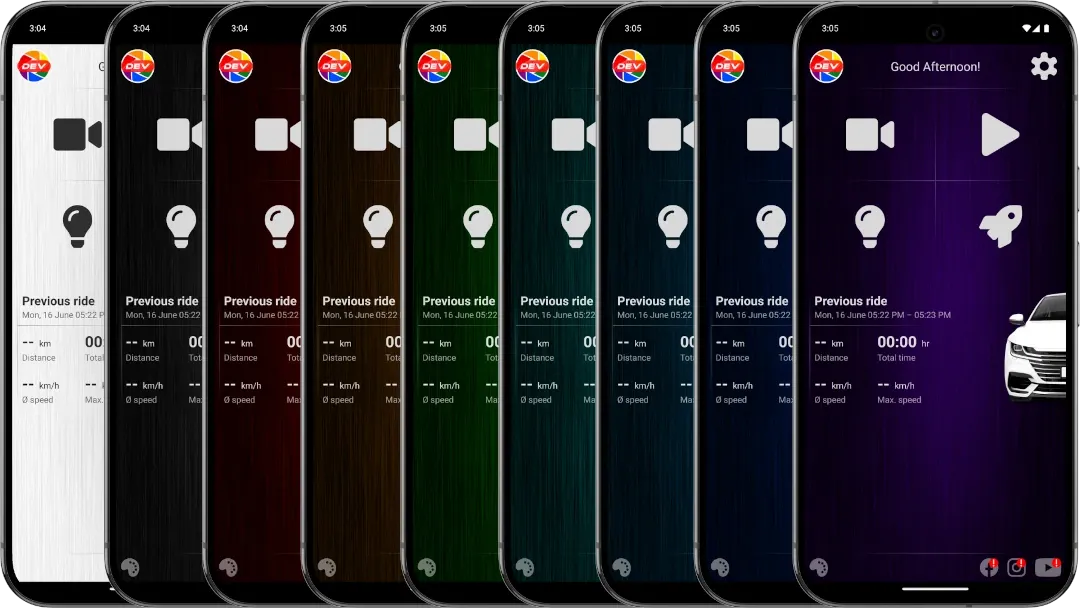 FREE
FREECustom themes
Choose a color accent for the app's dark appearance.
 FREE
FREEMultiple languages
Use the app in a growing range of supported languages.
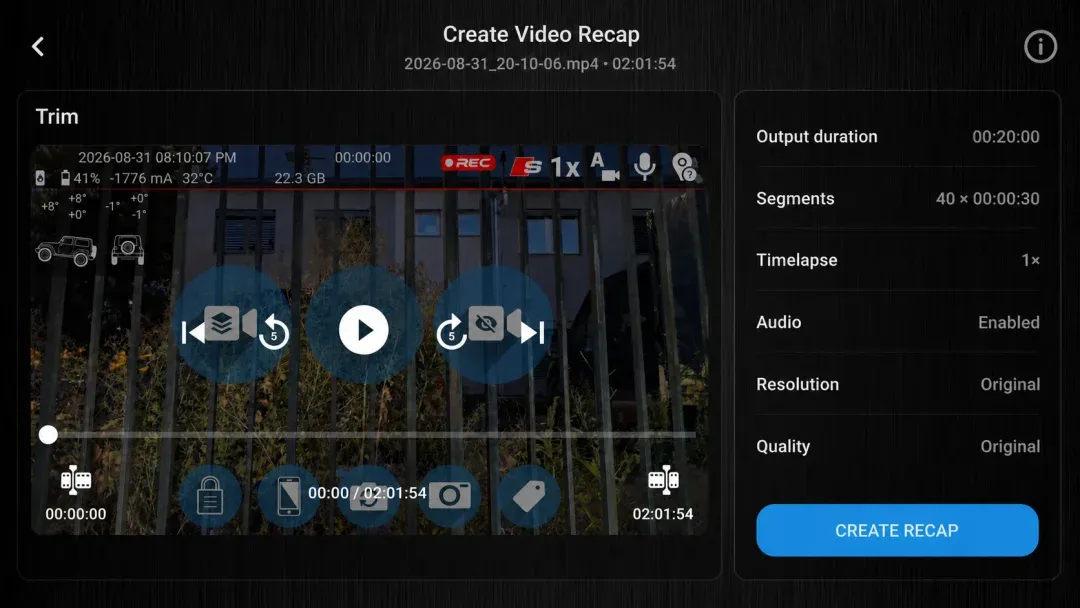 FREE
FREEVideo Recap
Create a short edit from clips across one recording.