
Feature overview
Three recording modes one tap away
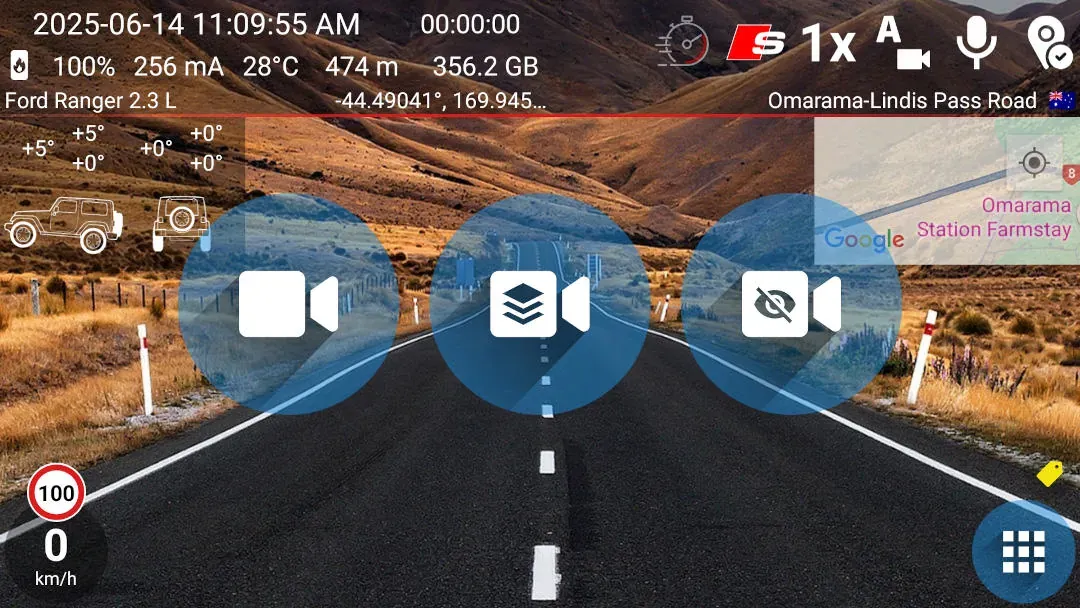
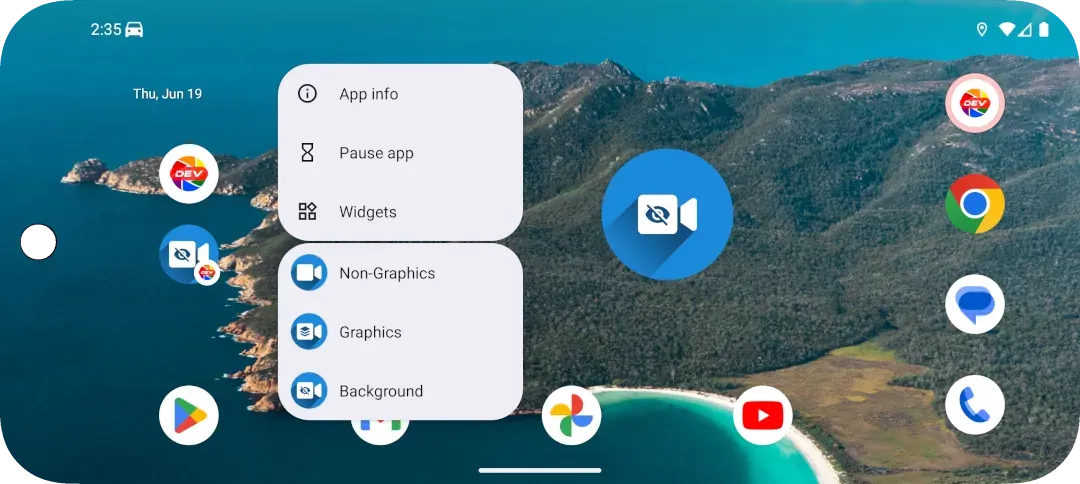
Each shortcut or widget launches its matching mode with your current camera and recording settings. Non-Graphics and Graphics start foreground recording; Background starts recording behind other apps.
Quick setup
Choose the home-screen option your phone supports
- Long-press the DashCam Travel icon and tap Non-Graphics, Graphics or Background. You can also drag a listed shortcut onto the home screen.
- If your launcher does not show app shortcuts, open the Android widget picker and add the matching DashCam Travel widget instead.
- Tap the shortcut or widget whenever you want to start that recording mode.
Good to know
Shortcuts and widgets use the same recording modes
- Widgets provide the compatible alternative on older Android devices and launchers, including some Xiaomi launchers, that do not show app shortcuts.
- A recording started by a shortcut or widget can be tried for one minute. This is a paid feature.
- Graphics recording also requires a package that includes the graphics overlay.
- If DashCam Travel is already recording, another shortcut or widget will not start a second recording.
Answers at a glance
Common questions
What is the difference between an app shortcut and a widget?
Both start the same DashCam Travel recording modes. App shortcuts appear after a long press on the launcher icon, while widgets are added through the Android home-screen widget picker.
Which recording modes can I start?
You can start Non-Graphics foreground recording, Graphics foreground recording or Background recording.
Why do I not see the app shortcuts?
Shortcut support depends on the Android version and launcher. Some older devices and some Xiaomi launchers do not show them. Add the matching DashCam Travel widget to the home screen instead.
Can I try shortcuts and widgets before buying?
Yes. A recording started from either option can run for one minute so you can verify that it works on your phone before purchasing.
Does DashCam Travel open after I tap one?
Non-Graphics and Graphics open the foreground recording screen. Background starts recording behind other apps.