
Feature overview
Track pitch and roll while you drive
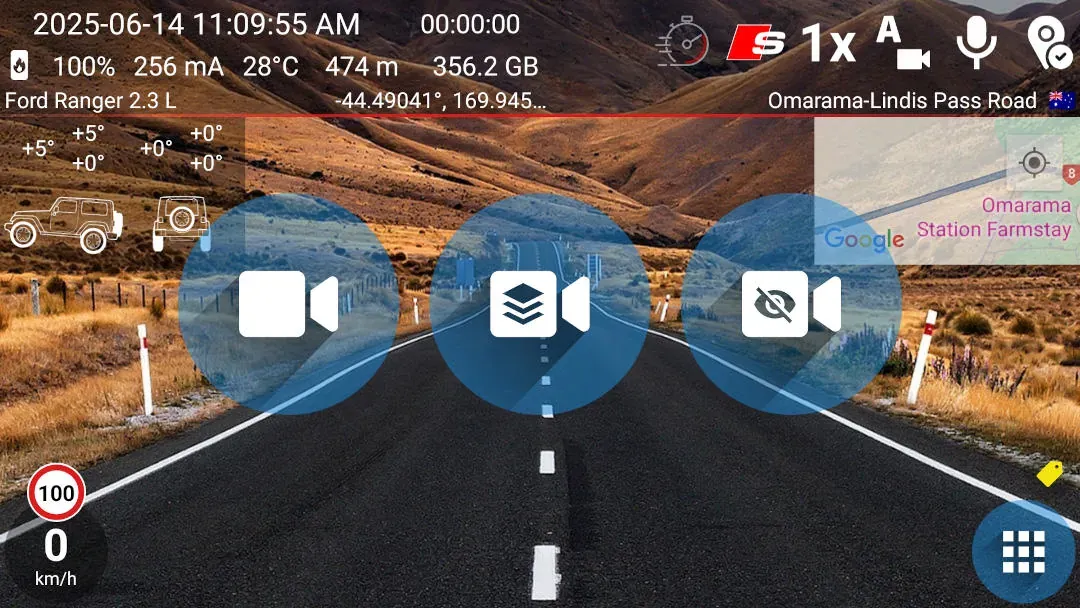
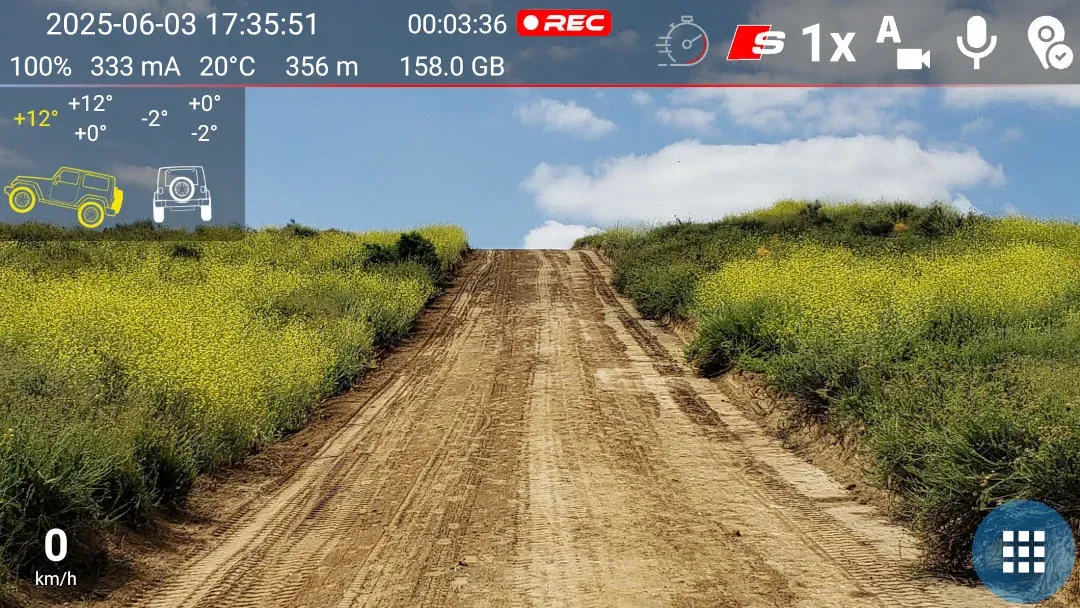
The inclinometer shows the vehicle's pitch and roll in degrees. DashCam Travel keeps the current reading and the minimum and maximum values visible, so you can check the steepest climb and strongest lean from the drive.
Quick setup
Set up the inclinometer in three steps
- Open Settings > Graphics > Display on the screen, then enable Inclinometer in the Recording area group.
- Mount the phone in its driving position, then long-press the inclinometer to set the current pitch and roll to zero.
- Start foreground recording with graphic overlays when you want the inclinometer saved in the video.
Good to know
Sensors and recording mode affect the result
- DashCam Travel uses the Rotation Vector sensor. If the phone does not have it, the app switches to the accelerometer and marks the measurement as less accurate.
- The phone needs a compatible motion sensor. After changing the phone's position, long-press the inclinometer to set zero again.
- The inclinometer is available for free. Saving it in video uses foreground recording with graphic overlays, which is free to try for one minute and then requires a purchase.
Answers at a glance
Common questions
Is the Inclinometer free?
Yes. You can enable and use the inclinometer on the recording screen without a purchase. Saving the graphic in video uses paid foreground recording with graphic overlays.
Which sensors does the Inclinometer need?
DashCam Travel uses Android's Rotation Vector sensor when available. If the phone does not provide it, the app falls back to the accelerometer and marks the reading as less accurate. The feature needs at least one of these compatible sensors.
Can the Inclinometer appear in the recorded video?
Yes. Start foreground recording with graphic overlays to save the visible pitch and roll graphic in the video. You can try this recording mode free for one minute, after which it requires a purchase. Recording without overlays does not add it to the saved video.
How do I set the Inclinometer to zero?
Mount the phone in its driving position, then long-press the Inclinometer. DashCam Travel uses the current pitch and roll as the new zero point.