
Feature overview
Fit more of the journey into each frame
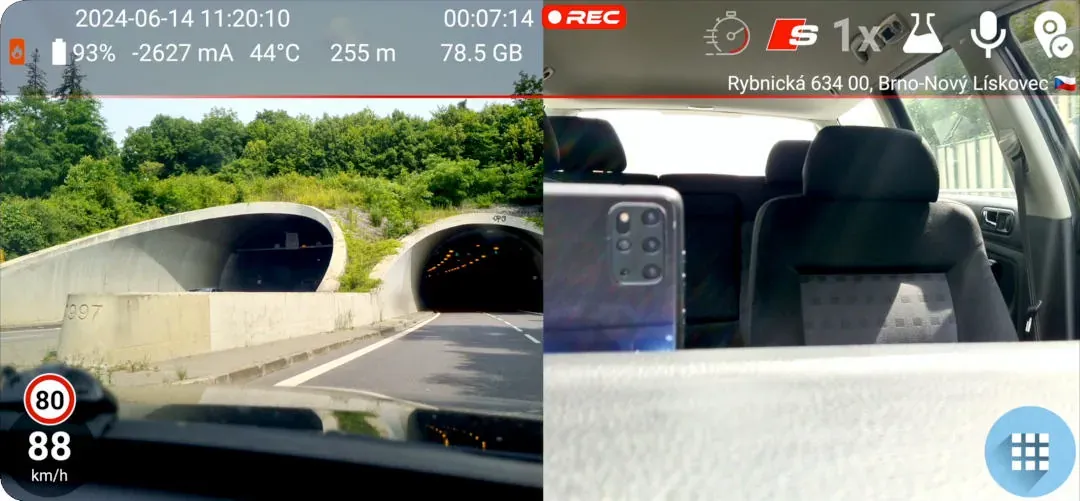
An ultra-wide lens shows more of the scene than the phone’s standard camera. This gives you extra context at intersections and along the roadside, and it can capture a broader cabin view when you use a supported front camera. The saved recording keeps the same wider field of view you see on screen.
Quick setup
Find and select the ultra-wide camera
- Open Settings → Camera and make sure Camera Stable is turned off.
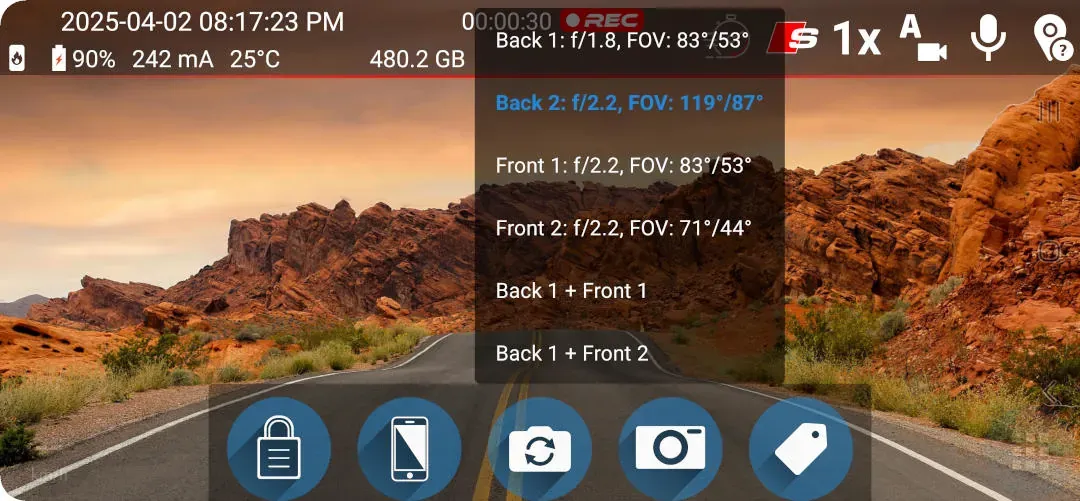
- Open the camera list in Settings or tap the camera-selection button on the recording screen.
- In Settings, choose a camera marked Ultrawide. The recording-screen selector identifies cameras by name and FoV.
Good to know
Camera access depends on your phone
- Your phone manufacturer must expose the lens to third-party apps.
- If no camera marked Ultrawide appears after Camera Stable is turned off, DashCam Travel cannot access an ultra-wide lens on that phone.
- The FoV value varies by phone and lens.
Answers at a glance
Common questions
Is the ultra-wide camera feature free?
Yes. You can use a supported ultra-wide camera without a time limit.
Can I switch cameras while recording?
With graphical-overlay recording, you can switch cameras during the recording. Without graphics, stop the current recording before selecting another camera.
Can I use an ultra-wide camera for background recording?
Yes. The selected ultra-wide camera also works with background recording.
Can DashCam Travel use a front ultra-wide camera?
Yes, when the phone exposes that front camera to third-party apps.