
Feature overview
Keep a clean view, leave out the graphics
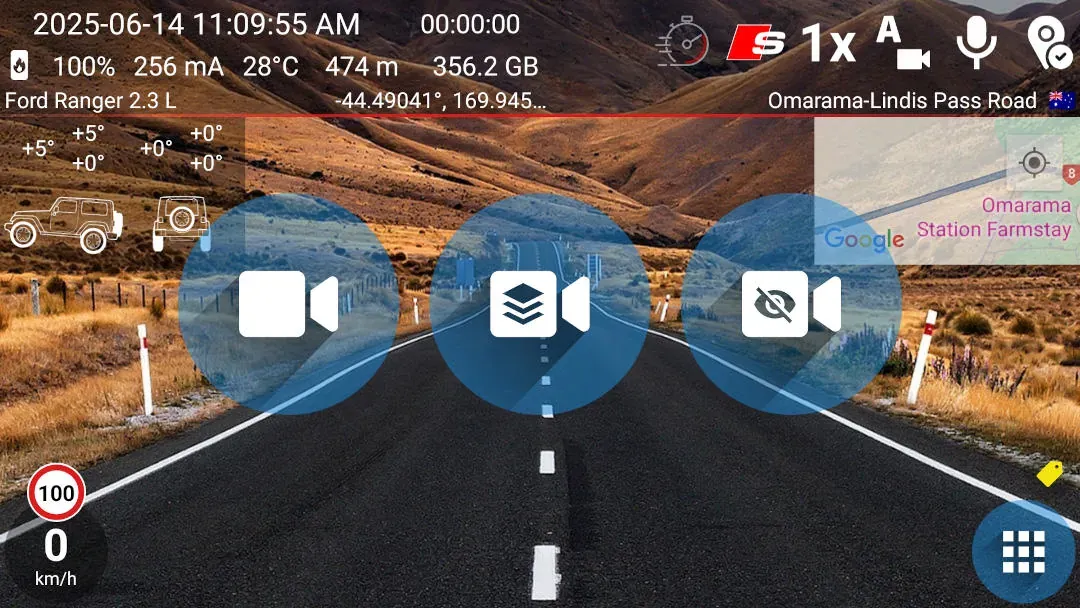
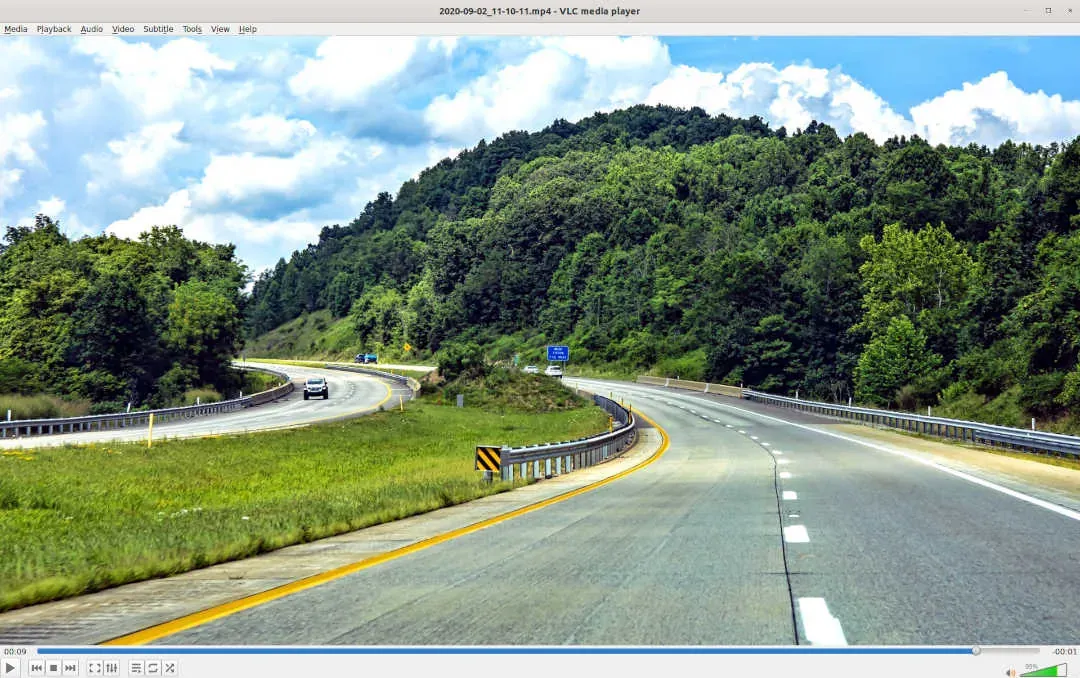
Clean recording saves only the camera image, giving you a video without the visible speed, map or telemetry graphics.
Quick setup
Start a clean recording with one tap
- On the recording screen, tap foreground recording without graphics overlay.
Good to know
The manual mode is free; optional automation is separate
- Basic foreground recording without graphics is free when you start it manually.
- Auto-Start, home-screen shortcuts, the widget and timelapse keep their own purchase rules.
- Dual Camera cannot be used with foreground recording without graphics.
- Long-press the recording screen outside the buttons when you want to stop.
Answers at a glance
Common questions
Which information is left out of a clean recording?
The saved video contains no graphics visible on the screen. It captures only the camera image.
Is clean recording free?
Yes. Basic foreground recording without graphics is free when started manually and has no feature-specific one-minute limit. Auto-Start, shortcuts, the widget and timelapse are separate paid features with their own rules.
What if I want the driving data saved in the video?
Use foreground recording with graphics instead. That mode records the visible graphics into the video.
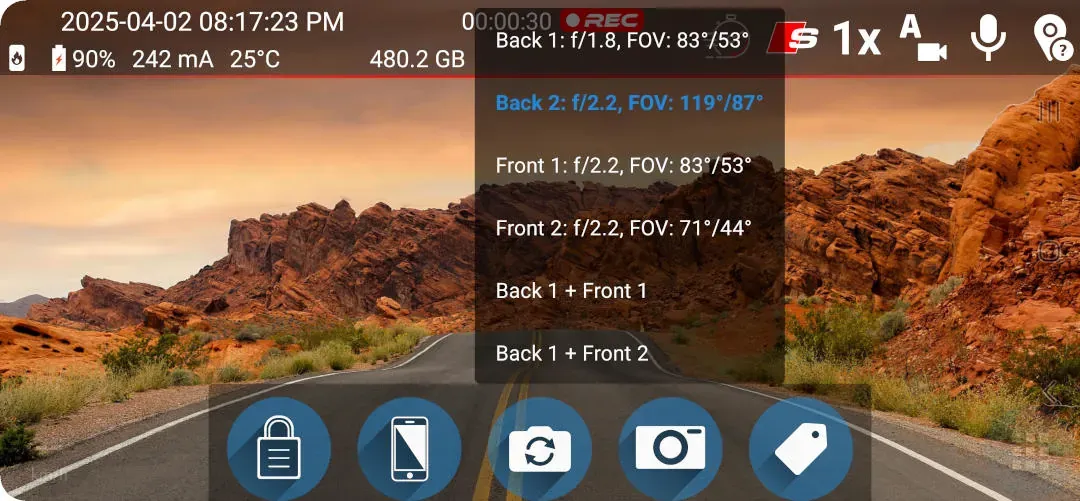
Can I use Dual Camera or switch cameras during a clean recording?
Dual Camera is not compatible with foreground recording without graphics.