
Feature overview
See every acceleration milestone as it happens
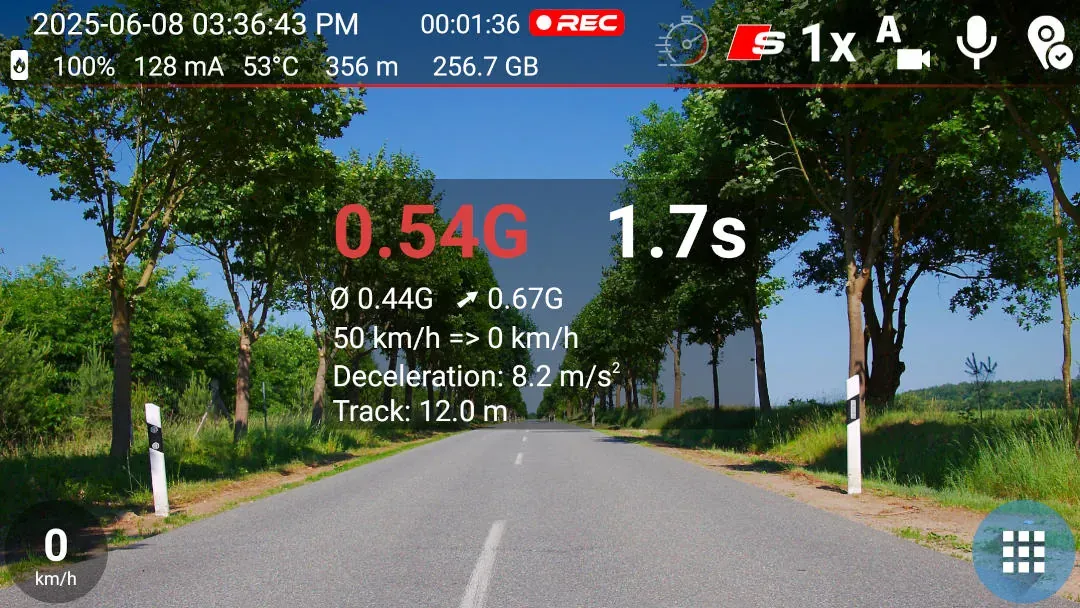
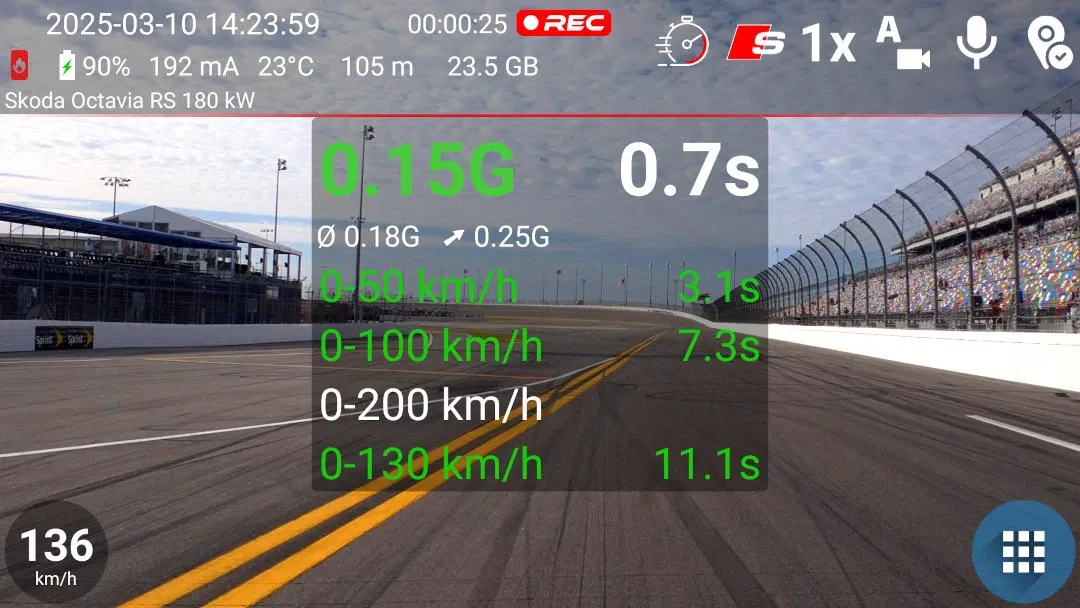
Sport mode uses the phone's accelerometer to detect the start of a run and GPS speed to calculate elapsed times. The recording screen shows G-force, acceleration from 0–50, 0–100 and 0–200 km/h or the corresponding imperial values, and the time from zero to the highest speed reached.
Quick setup
Measure acceleration in three steps
- Stop the vehicle, turn on Sport mode and wait for sensor calibration to finish.
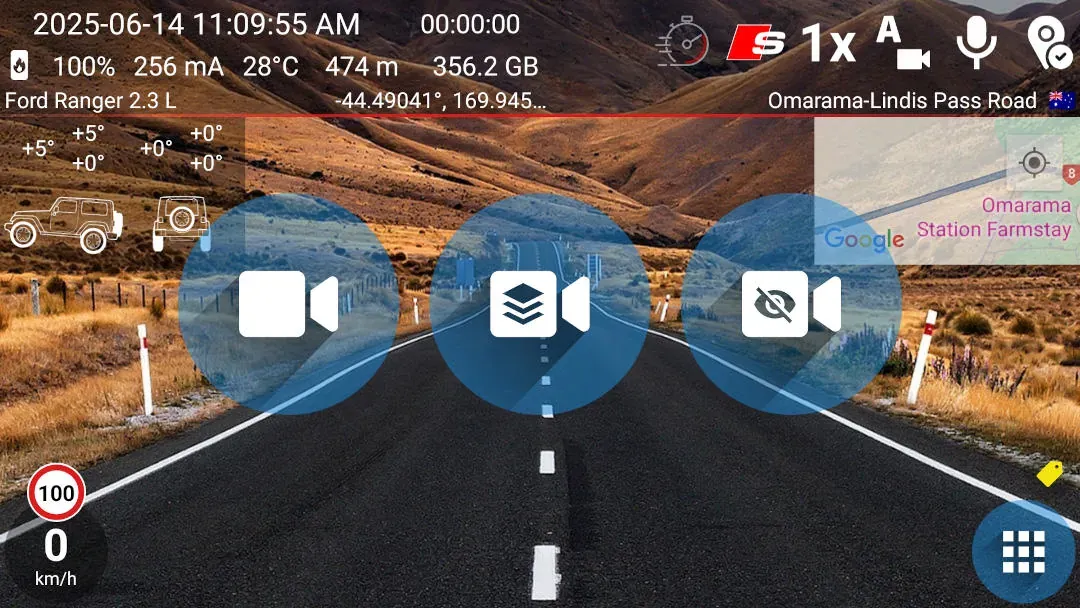
- Tap the Acceleration control. When the screen says the measurement is ready, floor it!
- Use foreground recording with the graphics overlay when you want the visible results saved in the video.
Good to know
What the measurement needs
- The phone needs an accelerometer, enabled GPS and precise location permission.
- Sport mode can be tried until reaching 50 km/h or 30 MPH, or for approximately one second of continuously detected G-force. Purchasing SPORT or UNLIMITED removes these limits.
- Only foreground recording with the graphics overlay preserves the visible Sport mode panel in the saved video.
- Phone sensors, GPS and the resulting calculations are approximate. Use the feature for fun in a safe and legal setting.
Answers at a glance
Common questions
Is Acceleration available in the free version?
You can repeat the free trial, but each activation ends after the vehicle reaches 50 km/h or 30 MPH, or after approximately one second of continuously detected G-force. Purchasing SPORT or UNLIMITED removes these limits.
Which acceleration times does DashCam Travel measure?
In metric mode, the app measures 0–50, 0–100 and 0–200 km/h. In imperial mode, it measures 0–30, 0–60 and 0–125 MPH. It also shows the time from zero to the highest speed reached during the run.
What does Acceleration need to work?
The phone needs an accelerometer, enabled GPS and precise location permission. Stop the vehicle and wait for Sport mode calibration before starting the measurement. Results are approximate.
Can the acceleration results appear in the saved video?
Yes. Start foreground recording with the graphics overlay to record the visible Sport mode panel. A recording made without graphics does not include that panel.